Convert DVD to Any Popular Formats and Any Device
With preloaded 500+ video/audio formats and optimal device presets
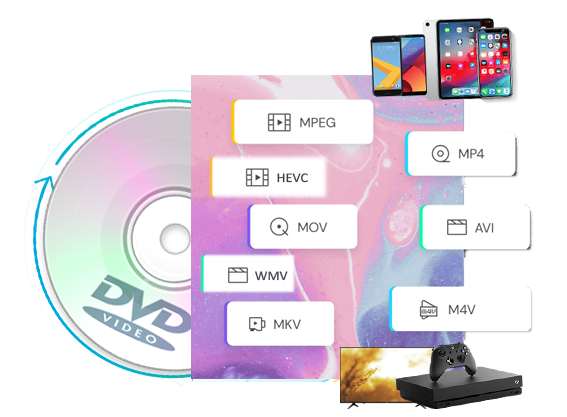
Multi-Format Outputs: EaseFab DVD Ripper for Mac is the best macOS DVD ripping software in 2026 to convert DVD to 500+ video (MP4, MKV, AVI, MOV, WMV, FLV, M4V, TS, DivX, WebM, 3GP, etc.) and audio (MP3, WMA, AAC, M4A, FLAC, OGG, etc.) formats for playback on various devices.
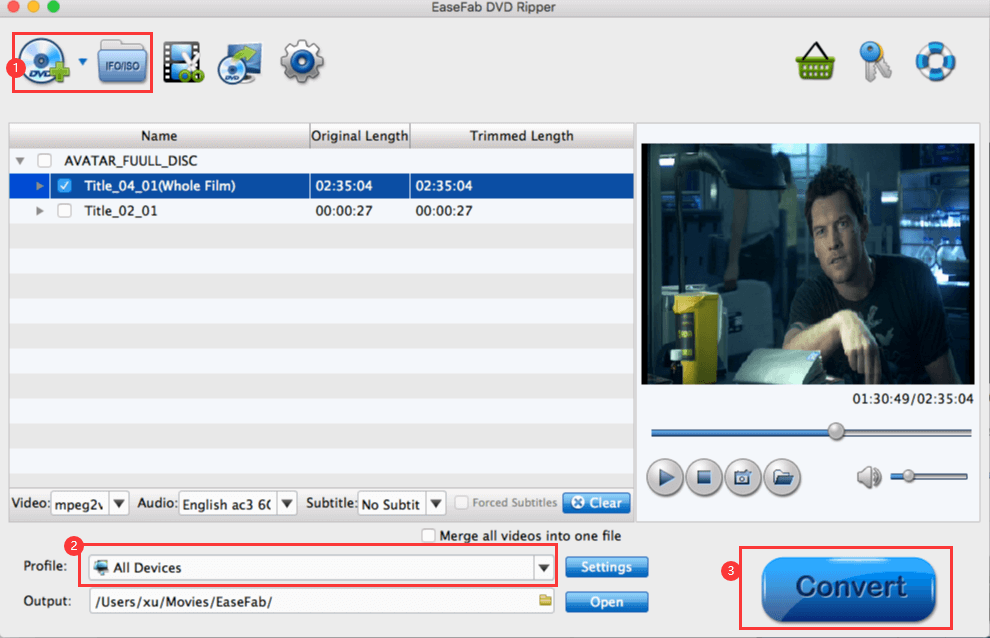
It also includes over 200 preset profiles for devices from major brands like Apple, Google, Huawei, Microsoft, Samsung, Sony, LG, BlackBerry, Xbox, PVP, and PS. Simply select an output format or device profile, and the ripped file will be played on most popular devices smoothly.
Lossless Conversion: EaseFab DVD Ripper can convert DVDs into lossless MKV or MP4 files, preserving the 1:1 original quality of video, audio tracks, and subtitles without transcoding or compression.

Conquer All Types of DVDs (Incl. Disney 99-Title DVDs)
Support any new, old, regional, protected and even scratched DVDs
EaseFab DVD Ripper for Mac can detect and remove any typical DVD copy protection like CSS, APS, RC, Sony DADC , Disney X-project (99-title DVD copy protection) and more, making DVD to digital conversion possible. And it updates constantly to decrypt any type of DVD, covering 99-title, new, region 1-6 DVD, non-standard, scratched, unplayable, or classic disc.
Built with a competitive DVD title check kernel, this DVD ripping software makes decrypting and analyzing DVD title a lot easy. And it lest you open any old or new disc in 5 to 10 seconds.
![]() |
![]() |
![]() |
![]() |
![]() |
3 Modes to Copy DVD in 1:1 ratio at Super-Fast Speed
Protect old and classic discs against kids' scratches, disc rot, damages, etc.

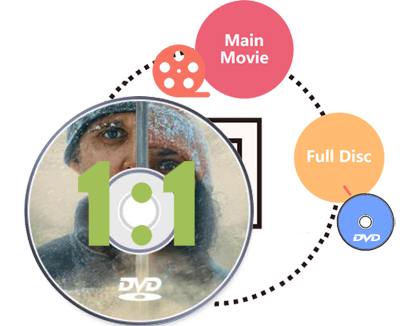
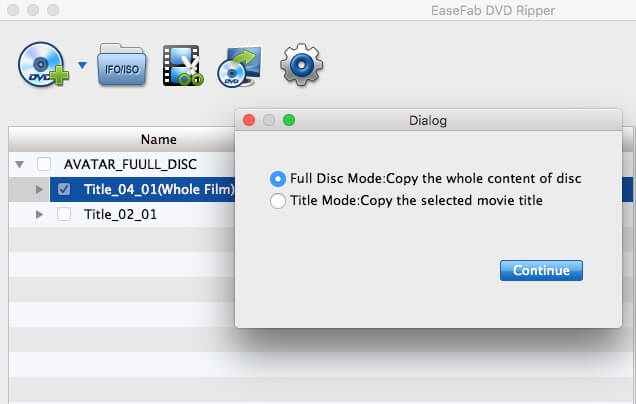
Besides converting DVD to digital, EaseFab DVD Ripper for Mac also provides 3 options to backup DVD in 1:1 ratio including DVD to DVD, DVD to ISO image, and DVD to a single VOB file. The copy version will fully maintain DVD menu, all subtitle tracks, audio tracks, and the original quality. And the speed is super fast, only 3-5 minutes for a 1:1 copy.
● Full Disc Mode - Copy the entire DVD with the original DVD structure.
● Title Mode - Copy selected content only (e.g. main title) to a single VOB file and leave out extras, commentary, etc.
● ISO Mode - Create an ISO image file from DVD disc with intact data.
DIY DVD Movies or Videos At Your Will
Edit, Select & Add Subtitle, Flexible Settings, etc.
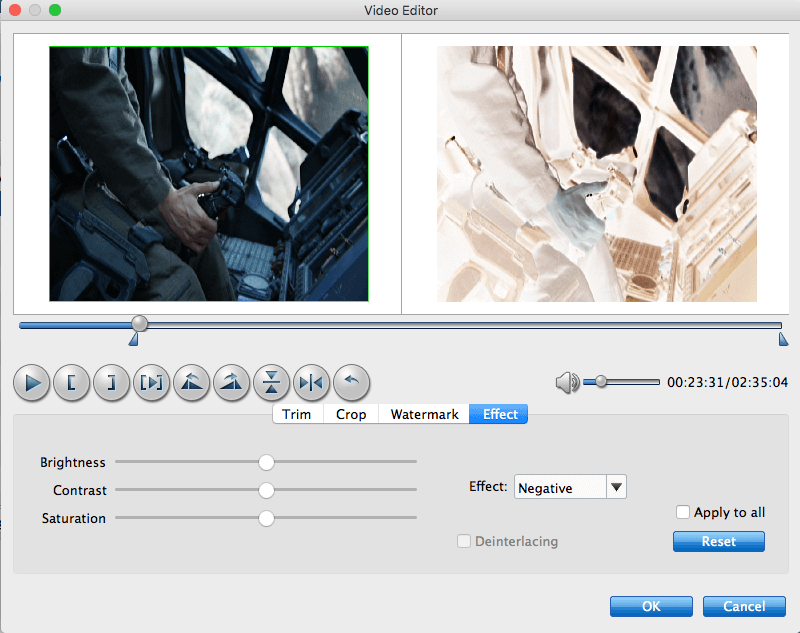
▶ Customize DVD videos with Built-in video editor
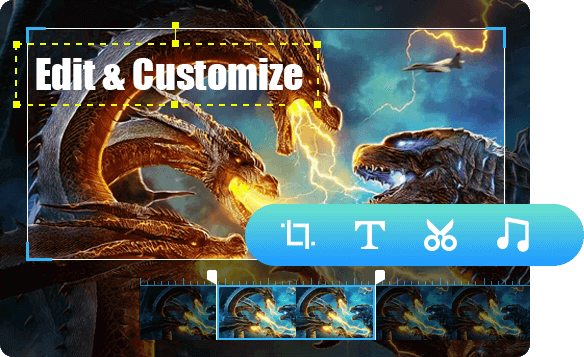
With powerful video editing features included, you can easily trim, crop, remove black bars, add watermarks, adjust video effects, etc. to create your own movie for playback.
▶ Choose desired sub/audio tracks / Insert external subtitle
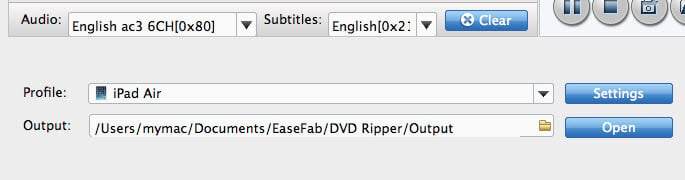
Set preferred audio track and subtitle from the source DVD movie or you can even add external subtitle to DVD movie to achieve better movie enjoyment.
▶ Set output format settings with different parameters.
You could adjust video codec, video display ratio, bitrate, frame rate and more presets to get great DVD experience at home or on the move.

System Requirements
Version Details and Pricing
![]()
90 days money back guarantee.
![]()
All transactions are protected.
![]()
Email response within 24 hours.
![]()
100% clean, no risk.
Copyright © 2026 EaseFab Software Corporation. All Rights Reserved.