EaseFab Blu-ray Ripper for Mac V5.9.2  

Quickly Turn Any Blu-ray/DVD to Digital Movie. Copy a Full Disc within 5 Mins

Digitize / rip Blu-ray & DVD (incl. old, new, 99-title, 4K UHD discs) to MP4 (H.264/HEVC/AV1), MKV, MOV, ISO, USB, NAS, mobile, cloud, Mac or TV, with lossless or high quality at ultra-fast speed.

  1. For macOS 10.13 or later | Native Apple Silicon Support & Intel Support | 100% Safe & Clean

I need a Windows version →

* Please make sure all the Blu-ray/DVD ripping and backup are just for personal use!

"EaseFab Blu-ray Ripper MAC is the BEST product I've used to rip my BluRay and DVD movie collection. Thank you for the great product!! " - Jeffrey Requadt


"So far I have used it to rip about 75 Blu-rays without any issues. Most of the rips have been the high quality ipad setting. I have mostly been ripping them to put into a Plex media server." - Timothy Frederick

User Reviews: 4.7 stars


Loved & Trusted by 35+ million Users.

Rip Any Blu-ray/DVD to Any Format and Any Device
With preloaded 500+ video/audio formats and 200+ optimal device presets

Equipped with leading decryption algorithm, EaseFab Blu-ray Ripper for Mac can handle almost all the 2D/3D/4K UHD Blu-rays and DVD discs regardless of copy protection and region restriction. It updates constantly promptly support newly released discs, such as those with advanced Java-based protections. EaseFab typically detects and loads new, old, or workout Blu-ray/DVD discs within 5 to 10 seconds.


Rip Blu-ray to Video and Device


● Multi-Format Outputs   ● Lossless Conversion   ● Optimized Device Presets
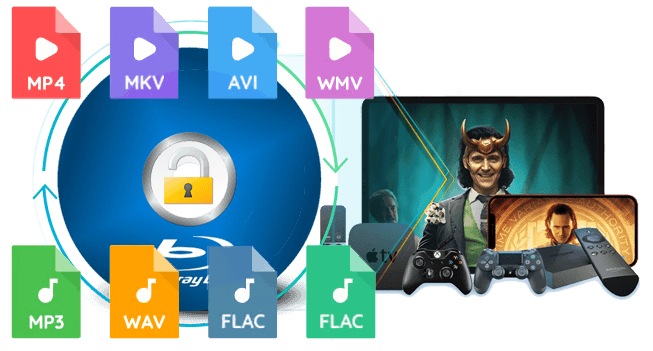
This best macOS Blu-ray ripper can convert Blu-ray, DVD discs, ISO image files, folders to MP4, MKV, AVI, MOV, M4V, WebM, MP3, M4A, etc., over 500 video and audio formats, using codecs such as H.264, H.265, MPEG-4, and AV1.   EaseFab provides 1:1 lossless conversion of Blu-rays & DVDs to MP4, MKV while preserving the 1:1 original quality of video, audio tracks, and subtitles without transcoding. This lossless ripping is ideal for immersive playback on high-end home theater systems.   It also includes over 200 preset profiles for devices from major brands like Apple, Google, Huawei, Microsoft, Samsung, Sony, LG, BlackBerry, Box, PVP, and PS. Simply select a device profile, and the ripped file will be played on most popular devices seamlessly.

1:1 Backup a Full Blu-ray or DVD wthin 5 Minutes
Protect old and classic discs against kids' scratches, disc rot, damages, etc.

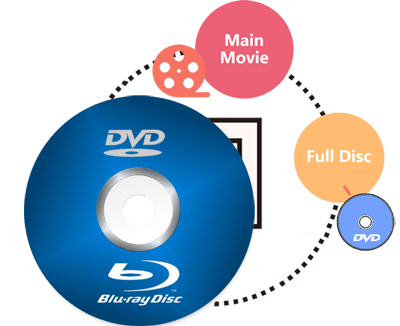
Besides digitizing discs, this versatile Blu-ray ripper also provides 3 modes to backup your Blu-rays/DVDs with full title or selected content only (e.g., main title). The speed is super fast, only 3-5 minutes for a 1:1 copy.


copy

● 1:1 Full Disc Copy
Backup the entire disc in original file structure with all subtitle tracks and audio streams preserved.


● Copy Main Movie without Extras
Save 100% intact M2TS/VOB main movie from your Blu-ray/DVD Disc without any quality loss.


● Copy Blu-ray/DVD to ISO
Create ISO image files from Blu-ray or DVD discs. This ISO file contains everything written on the disc.

Get 30X Faster Blu-ray/DVD Ripping Speed with GPU Acceleration

EaseFab Blu-ray Ripper for Mac is a very fast macOS Blu-ray ripper that uses advanced GPU acceleration, including multicore CPU support, NVIDIA CUDA, AMD APP, Intel Quick Sync (IQS), and macOS VideoToolBox, to speed up the ripping process.


By taking full advantage of GPU acceleration, it can rip a full-length Blu-ray movie to a compressed MP4 (HEVC/H.264) in just 15 minutes. And for a lossless MKV file, it takes about only 5 minutes and the output matches the original source.

GPU Acceleration

Edit and Customize Blu-ray/DVD Movies At Your Will

With all the latest technologies applied in and strong stability, EaseFab Blu-ray Ripper for Mac gives you the power to rip any Blu-ray or DVD in the manner you like. You can freely customize the output video, edit and personalize your movies in the manner you like.


Edit

● Edit Videos Efficiently. No Experience Required!

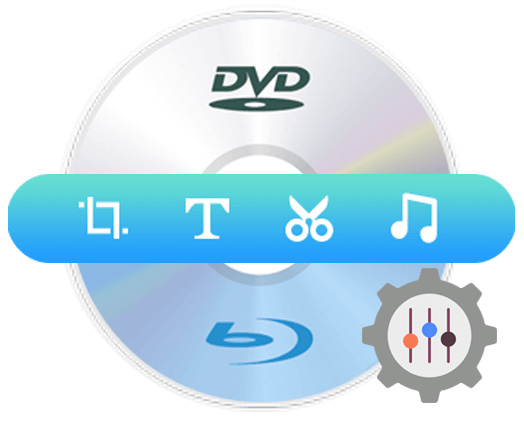
Using the various editing options, you are in full control of the output video effects. You can trim, crop, rotate, apply visual effects, add watermarks, add subtitles and audio tracks, split, merge and more in its built-in video editor.


● Choose desired sub/audio tracks / Insert external subtitle

Set preferred audio track and subtitle from the source Blu-ray or DVD movie or you can even add external subtitle to Blu-ray or DVD movie to achieve better movie enjoyment.


● Flexible Settings for Advanced Users

For advanced users, this best Blu-ray ripper provides flexible parameter settings for you to adjust resolution (480p/720p/1080P/4K), codec (H.264, H.265, AV1, etc.), aspect ratio, bitrate, frame rate, sample rate, etc. to control file size and output quality for broad device compatibility.
Intuitive and Easy for Anyone to Handle
Note: An external Blu-ray drive attached to your PC is necessary if the source is a Blu-ray disc.

Load Blu-ray or DVD
1. Load source Blu-ray/DVD/ISO/folder

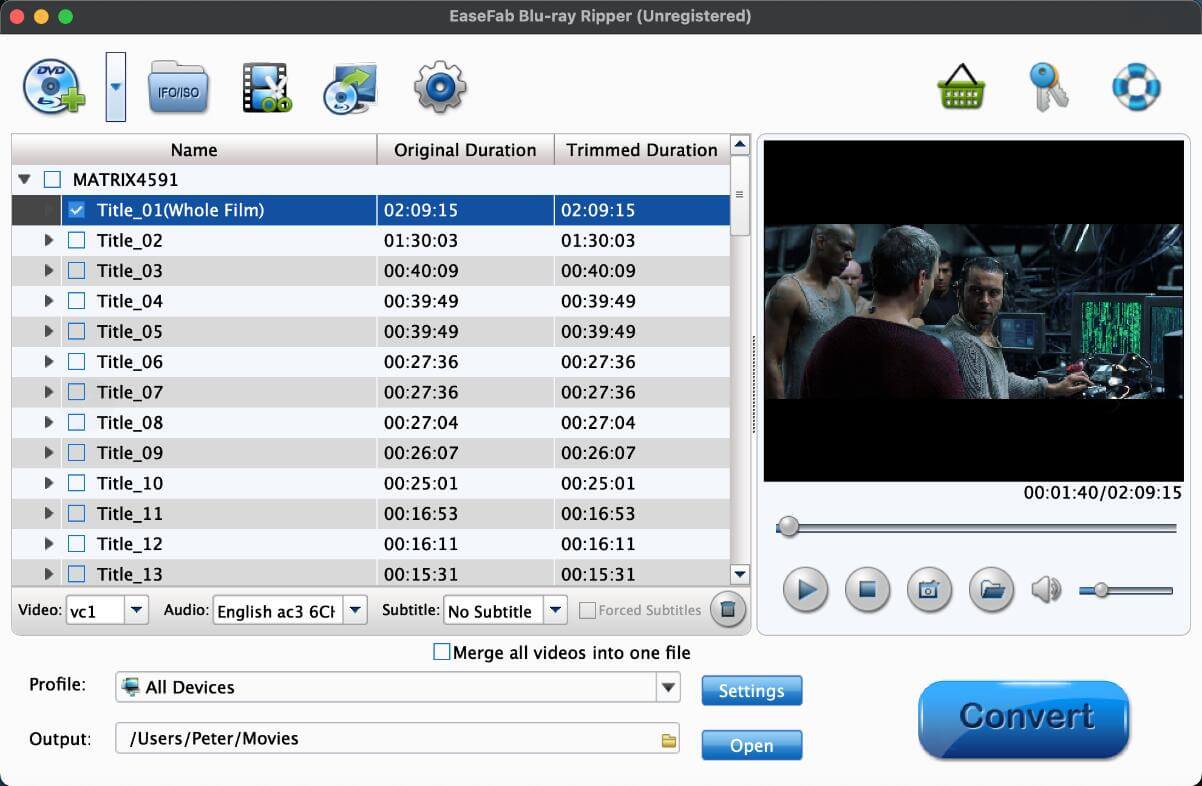
Insert Blu-ray or DVD into the external BD or DVD drive, run EaseFab Blu-ray Ripper, and then click Load Disc button to load the source Blu-ray or DVD movie. When the source is an ISO file or a folder, you can just simply drag and drop it into the main UI for loading.

Choose Output Format
2. Choose an output format

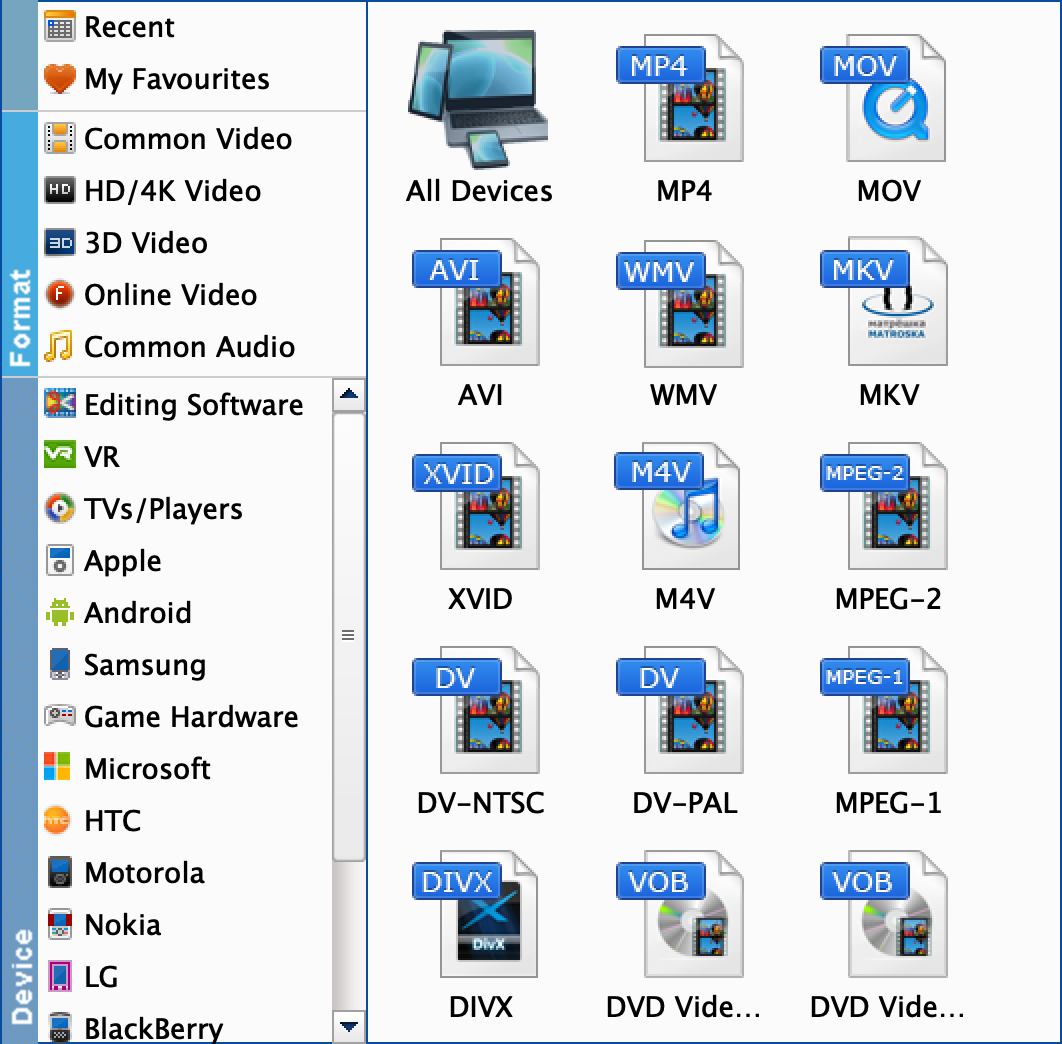
In the pop-up output profile window, you can see all popular formats devices divided into various categories. You can choose any digital video format based on your own needs.


You're allowed to select the titles, audio tracks and subtitles to retain. You can also turn to the "Settings" and built-in "Video Editor" to customize the output video.

Start Converting
3. Start ripping the Blu-ray (DVD)

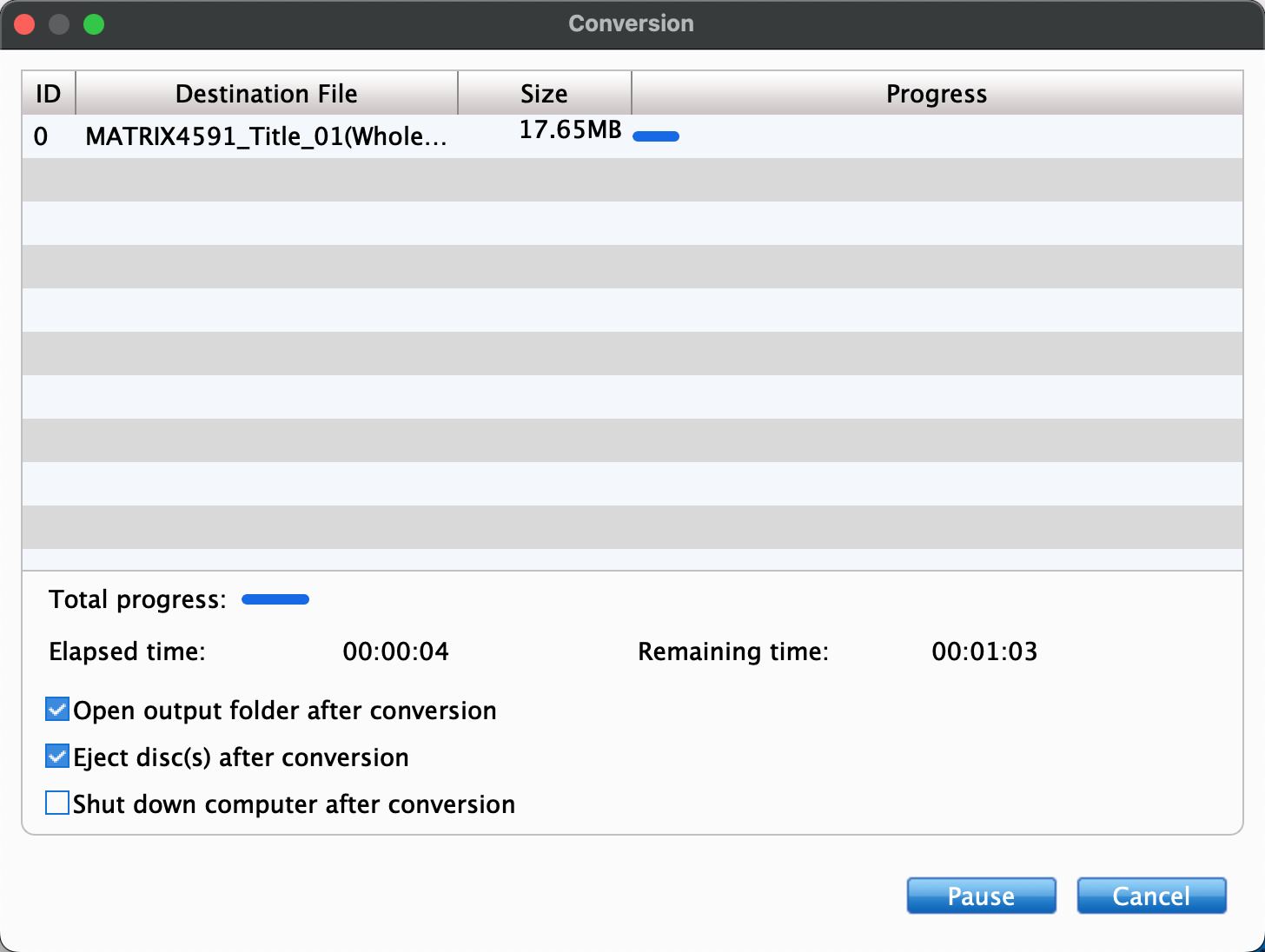
Click the Convert button, EaseFab Blu-ray Ripper for Mac will immediately begin converting Blu-ray (DVD) to the target profile you have chosen, and provide you with the detailed progress details during the process. You can cancel the task anytime you don't want to continue during the process, and you can also set your PC to automatically shut down when the task is done.

Tech Specs

System Requirements

  • Supported OS: macOS High Sierra, Mojave, Catalina, Big Sur, Monterey, Ventura, Sonoma, Sequoia or higher
  • Processor: 1 GHz Intel® or AMD® processor (Minimum)
  • Free Hard Disk Space: 100MB space for installation
  • RAM: 1GB RAM (Recommended: 2GB or above)

Version Details and Pricing

  • Latest Version: 5.9.2 See upgrade history?
  • 1 Year License: 55.95 $27.95 (50% OFF)
  • Lifetime License: 85.95 $42.95 (50% OFF)


Buy Now

We Promise

90 days money back guarantee

90 days money back guarantee.

Transactions Protected

All transactions are protected.

24 Hour Response

Email response within 24 hours.

100% Clean

100% clean, no risk.

Copyright © 2026 EaseFab Software Corporation. All Rights Reserved.