Support Any Protected DVDs and Blu-rays (UHD 4K discs Incl.)
Bypass protections & rip any regional 2D/3D/Ultra HD Blu-rays and DVDs
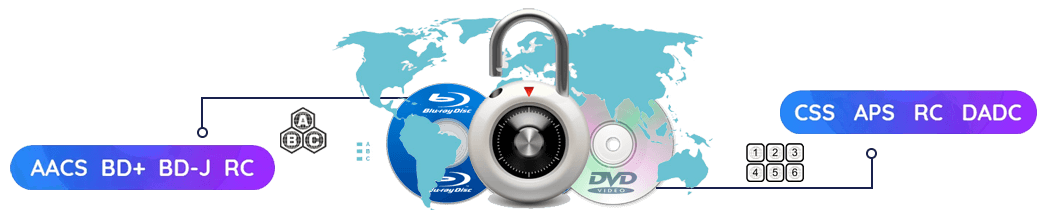
EaseFab Blu-ray Ripper can automatically remove any common Blu-ray copy protections: AACS (Advanced Access Content System), BD+, BD-J, RC, Country Code, MKB, etc. And it can also decrypt protected DVDs with CSS, RCE, Sony ArccOS, UOPs, Disney X-project (99-title DVD copy protection) and so on. Even if your discs are scratched, damaged or unplayable, the software is here to offer a solution.
This versatile Blu-ray ripping software updates constantly to support newly released Blu-ray and DVD discs. And equipped with leading disc decryption, it lets you open any old or new disc in 5 to 10 seconds.
Convert Blu-ray/DVD to Any Popular Formats and Devices
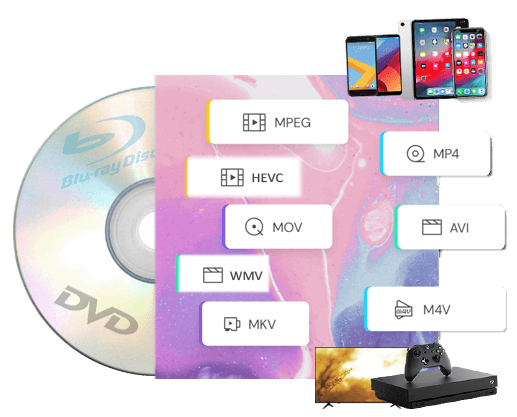
With preloaded 500+ video/audio formats and optimal device presets
EaseFab Blu-ray Ripper can rip and convert DVD/Blu-ray to MP4, H.264, HEVC, AV1 MOV, AVI, MKV, WMV, M2TS, 3GP and any other video files with original 4K, 1080p and HD image quality.
It can also extract audio tracks or background music from Blu-ray/DVD movie and save it in your preferred lossless audio formats, such as MP3, M4A, WMA, AC3, OGG and much more.
In addition, it offers more than 200 readymade device presets, which is great if you're unsure of what format you need for your devices. You can directly use them to convert Blu-ray/DVD to iPhone, iPad, Android, HD TVs, PS consoles, etc. without tinkering with the complicated parameter settings.
This best Blu-ray ripping software distinguishes itself with its ability to rip Blu-rays/DVDs into lossless video (MP4 and MKV) and audio (DTS-HD, TrueHD, TrueHD Atmos, DTS:X, 5.1 AC3). This guarantees top-tier image and audio fidelity, allowing movie enthusiasts to enjoy cinematic blockbusters at home.
1:1 Make an Exact Copy of a Blu-ray or a DVD in 5 Minutes
Protect old and classic discs against kids' scratches, disc rot, damages, etc.
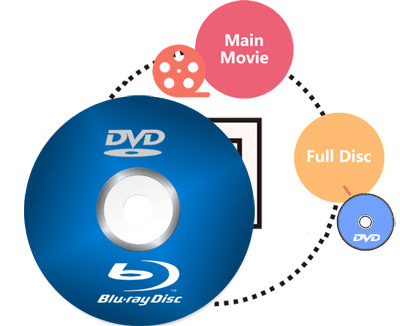
EaseFab Blu-ray Ripper provides 3 options to backup Blu-ray/DVD in 1:1 ratio. The copy version will fully maintain Blu-ray/DVD menu, all subtitle tracks, audio tracks, and the original quality. And the speed is super fast, only 3-5 minutes for a 1:1 copy.
● Full Disc Mode - Clone Blu-ray/DVD from physical disc to computer with original disc structure.
● Title Mode: - Copy selected content only (e.g., main title) to a single M2TS or VOB file and leave out extras, commentary, etc.
● ISO Mode: - Create Blu-ray ISO images or DVD ISO images from physical discs with intact data.
Rip Blu-ray/DVD at 30x Faster Speed with GPU Acceleration
Ripping a Blu-ray typically takes hours. However, with the right software, the process can be drastically faster.
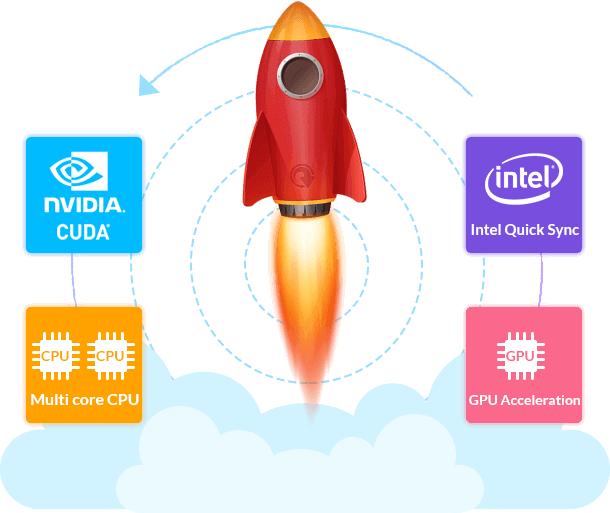
EaseFab Blu-ray Ripper leverages advanced GPU acceleration technologies including Multi-core CPU, NVIDIA CUDA, AMD and Intel Quick Sync (IQS). Thanks to these innovations, it can rip a standard Blu-ray to a compressed MP4 H.264 AAC file in just 15 minutes while ripping a full-length DVD in 5 minutes.
| ● 30x real-time faster | ● No quality degradation |
| ● 2-5% CPU usage | ● Work with all recent PCs |
Edit, Customize & Compress Blu-ray/DVD Movies At Your Will
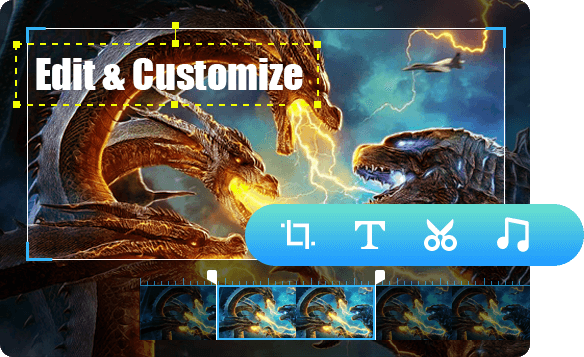
▶ Edit Blu-ray/DVD movies with built-in video editor
The built-in editor enables you to trim unwanted clips, crop video to desired aspect ratio, remove black bars, add watermarks, adjust video color, etc. to make your videos stick out from the crowd.
▶ Compress Blu-ray/DVD video size but retain quality
Equipped with advanced compression kernel and higher coding-efficient codecs, this tool can compress Blu-ray/DVD movie size by up to 85% with merely pixel-level quality difference. And you can also upscale 1080P Blu-ray movies to 4K videos for 4K screen.
▶ Set desired subtitles or add external subtitles
You can convert Blu-ray/DVD to video with perferred subtitle and audio tracks. And you can even add external subtitle to your movie to achieve better movie enjoyment.
EaseFab Blu-ray Ripper also allows you to merge all titles/chapters into one file for flawless enjoyment. Moreover, batch conversion is supported so that you can convert multiple Blu-rays or DVDs at the same time.
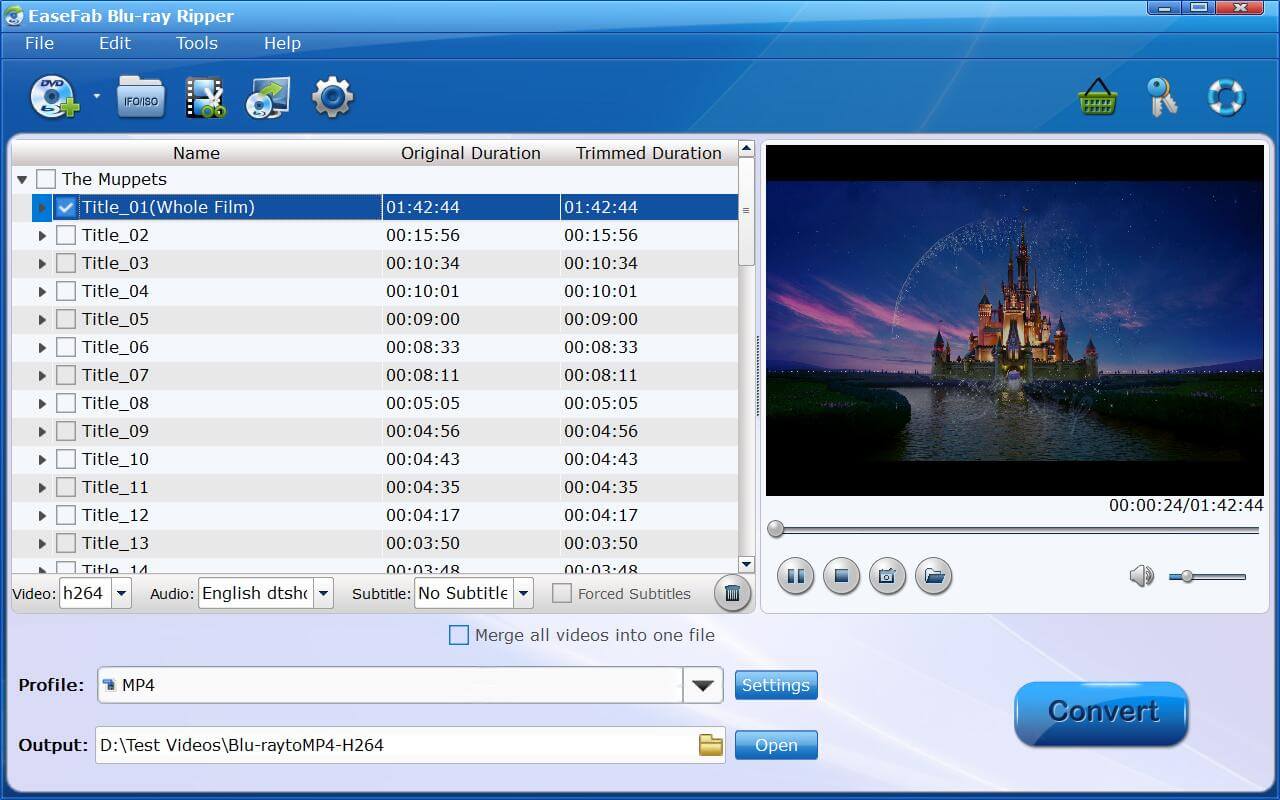
Insert BD into the external Blu-ray drive (Insert the DVD disc you want to rip into the optical drive), navigate it through Load Disc button or drag & drop ISO file/folder on the main UI.
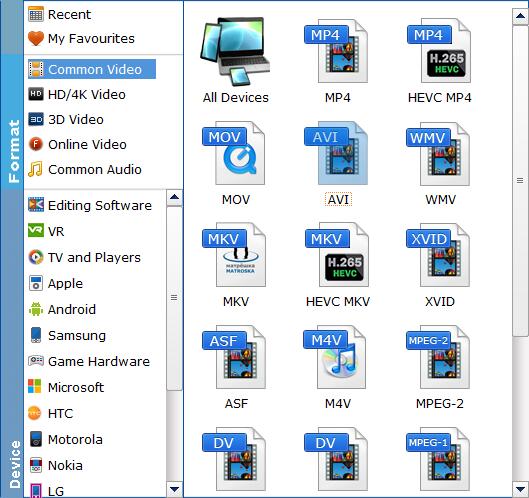
Clicking the Profile bar, you can choose one format or device profile from the format list. If you have higher requests regarding the output video, you can set all the video and audio parameters in Settings window, and deeply customize the output video effect with the built-in video editor.
By clicking the small Folder  button in the Output bar, you can choose the directory where you'd like to put the output files.
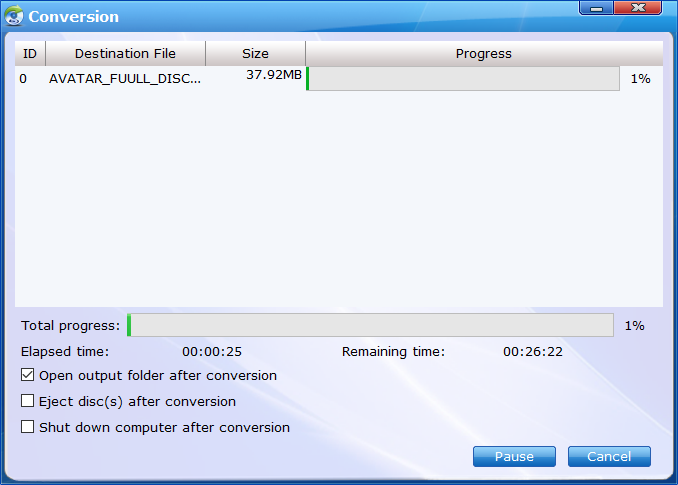
Click the Convert button, EaseFab Blu-ray Ripper will immediately begin converting Blu-ray (DVD) to the target profile you have chosen, and provide you with the detailed progress details during the process. You can cancel the task anytime you don't want to continue during the process, and you can also set your PC to automatically shut down when the task is done.
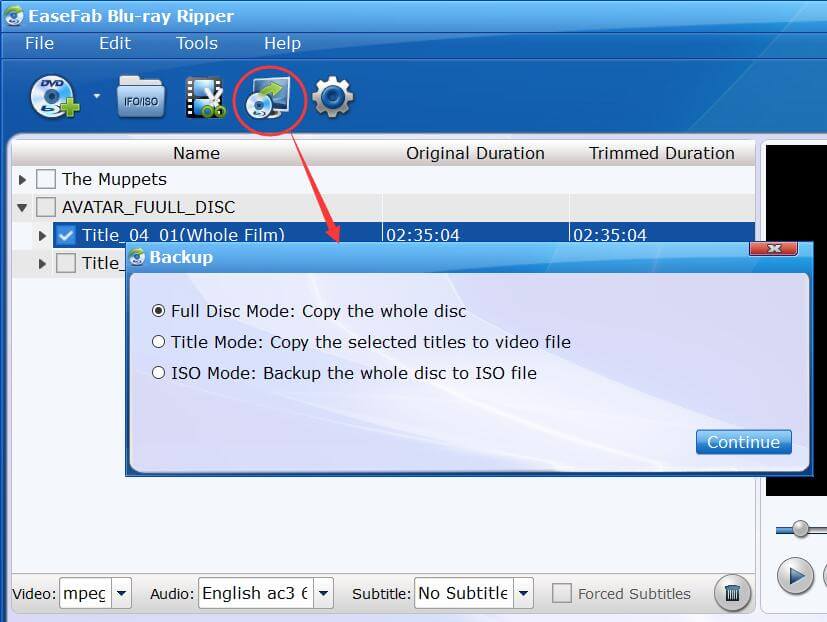
● Full Disc Mode: Copy the whole disc
● Title Mode: Copy the selected titles to video file
● ISO Mode: Backup the whole disc to ISO file
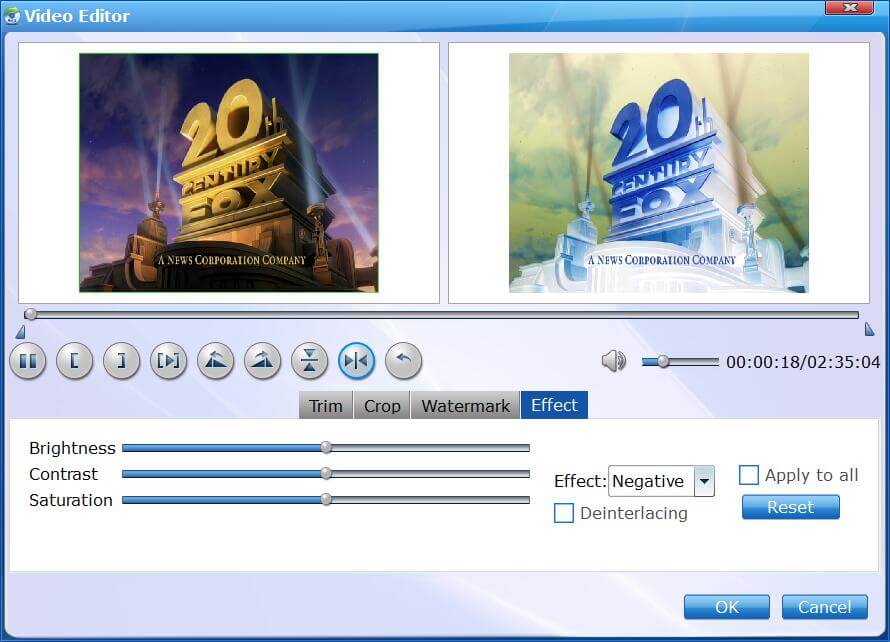
With powerful video editing features included, you can easily trim, crop, remove black bars, add watermarks, adjust video effects, etc. to create your own movie for playback.
System Requirements
Version Details and Pricing
 See update history >>

90 days money back guarantee.

All transactions are protected.

Email response within 24 hours.

100% clean, no risk.
Copyright © 2026 EaseFab Software Corporation. All Rights Reserved.


 Sales Team: